When I lunch the Digitrax Soundloader software it always reads could not open com port. Digitrax technicians are not patient. They are clueless over the phone. I’ve sent the PR3 in for repair thinking something was wrong with the unit, and I was right. I will send it in again, this time for an exchange for a new unit. I think something’s wrong with the USB connector on it.
The one time I had an opening error with the Soundloader software was because I had JMRI already running on the computer. Closing JMRI cured the problem.
I have similar issues like that
First - Replace the USB cable - most factory Digitrax one are suspect!
2nd - Be sure you have installed the Drivers exactly like Digitrax Install info states - otherwise you will never get it running. You may have to do this more than once!
3rd - I could get things running once in a while but found that with everything hooked up - Doing a Reset to the PR3 (pressing both buttons on the PR3 until the LEDs begin flashing) usually let the PR3 connect.
WHY I had to keep doing the reset is unclear - but I have had to do it with several different PR3s to get it to work as I run the PR3 on a Laptop as well as my Desk Top Office computer!
Hope something works!
BOB H - Clarion, PA
I will first replace the USB cable, then the reset. I have re inspected the drivers. Thanks for your help.
What OS are you using? XP, Vista 7 ? When the PR3 is connected, get into the control panel and find out what port it’s hooked up yo. When the PR3 is on, there should be a tab at the top of the screen marked COM. Click on this to make sure it’s the correct one. My PR3 is used on a shared computer. If I don’t turn the PR3 off and disconect the power and USB cord in the correct sequence, the next time I go to use it, I have to re enter the COM port #. Joe
I’m using Windows 7 64 bit. My PR3 is on port 2. I check that using device manager. I use Digitrax Soundloader. When I close Soundloader and open it again it will not connect. Then I unplug the USB and plug it in again. Then I launch Soundloader again and It says could not open com port. I will repeat this procedure several times before I get lucky randomly and the PR3 will connect. There’s something either wrong with the PR3 or Windows.
Do you get the be-boop sound when you plug and unplug the PR3? Are you using the same USB port each time (VERY important)? Have you tried another USB cable?
What seems to help, especially if the issue it that it works once, then won;t start again, is waiting longer - also check in task manager to make sure when you quit Soundloader - it really quits. If it says the port is in use, it’s because the system has not yet closed the port from the previous time you had the application running. Unplugging the device while Windows seems to think it’s still active probably just confuses the heck out if it, which is why it never works again until you reboot. So try running Soundloader, then closing it - and waiting a few minutes before attempting to launch it again.
–Randy
I am maximum frustrated with my XXXX PR3. I relate to all of the comments in this string. Trying to make this work is not fun, and I have lost all confidence in Digitrax. My personal layout and our club layout both use Digitrax Command stations and they are filled with quirks also. Is DCC becoming too complicated for its own good. I just want trains to run well and be reliable. The electronics isn’t helping. Sorry to dump.
Is there a way to use JMRI that accesses all the major decoders without using one of those proprietary programing interface gizmos like a PR3. That is what I need to get.
1 Like
I use a Sprog 2 on my ‘workshop’ programming track and it performs flawlessly.
I also have a Diditrax PR3 at the layout, also wired into JMRI on another computer and I’ve never had any problems with it. It just works. Maybe my experience is not the norm?
Good Luck, Ed
1 Like
12-1/2 year revival! Impressive, but not a record. 
I eventually replaced my PR3 with a PR4 and it seems to be working OK. Getting DecoderPro set up has meant changing the COM port to see what it wants to use a few times, but it’s been doing well for about a year now. Never had a similar problem with my LokProgrammer.
Remember to regularly clean the programming tracks!!
1 Like
By no means a record. Threads from as far back as 2006 have reappeared. I have always contended that it would make far more sense to begin a new thread and simply link to the old thread or no link at all. At least this is old thread is short and easy to read through, but often a revival is of a much longer old thread.
1 Like
An alternative is RR-Cirkits LocoBuffer-NG that I have been using for over 10 years connected to several generations of PC’s running JMRI. No programmer involved just a direct connection to the Loconet that plugs into the USB port of your PC.
https://www.rr-cirkits.com/description/LB-NG.png.
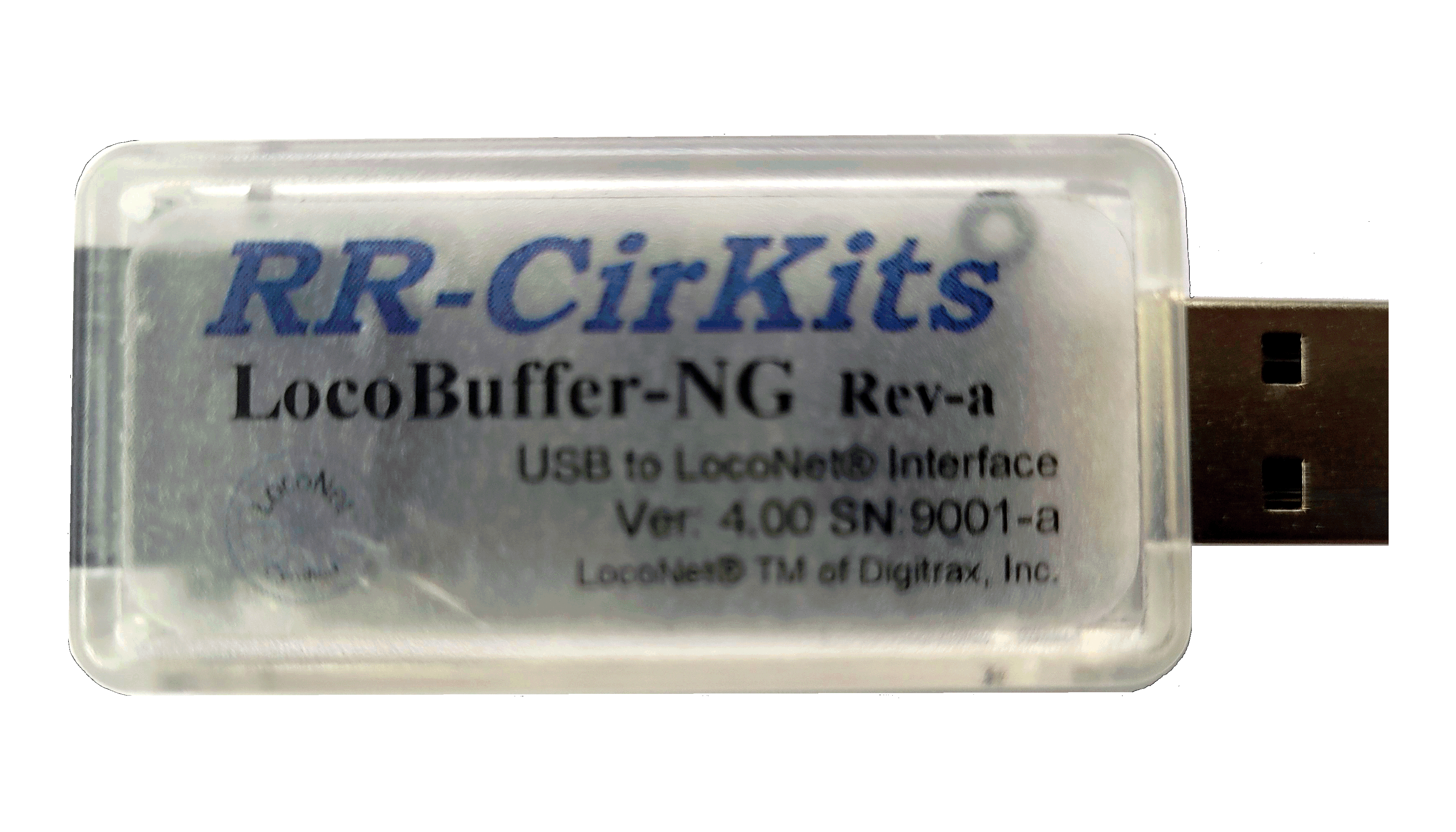
It’s also less expensive than the programmer options.
If you don’t care about having a separate programmer this might work.
Scott Sonntag
2 Likes