Select picture RIGHT CLICK, SELECT PROPERTIES, HI-LIGHT URL
RIGHT CLICK, SELECT COPY, EXIT
CREATE NEW POST, ADD TEXT, SELECT ENTER KEY
THIS IS THE HARD PART , SELECT IMAGES ABOVE (THE TREE) DELETE HTTP//, THEN RIGHT CLICK AND SELECT PASTE this will copy the URL of your picture. SELECT INSERT
SELECT PREVIEW/POST BELOW
The only drawback is you can only add one picture at a time, so if more are desired
REPEAT STEPS 1/2/3 open your post, select edit, ADD ANY NEW TEXT,SELECT ENTER KEY
I use photobucket. They make it even easier for you. They provide the url code with images tags attached for you already. Here is my album - http://s113.photobucket.com/albums/n214/altterrain/ . Just click on where its says IMG code under your pic and its automatically copied to your computer’s clipboard. You then just have to paste it into your posting here. Photobucket will also resize your pics as you upload them. Sign up here - http://photobucket.com/register.php?link=topmenu .
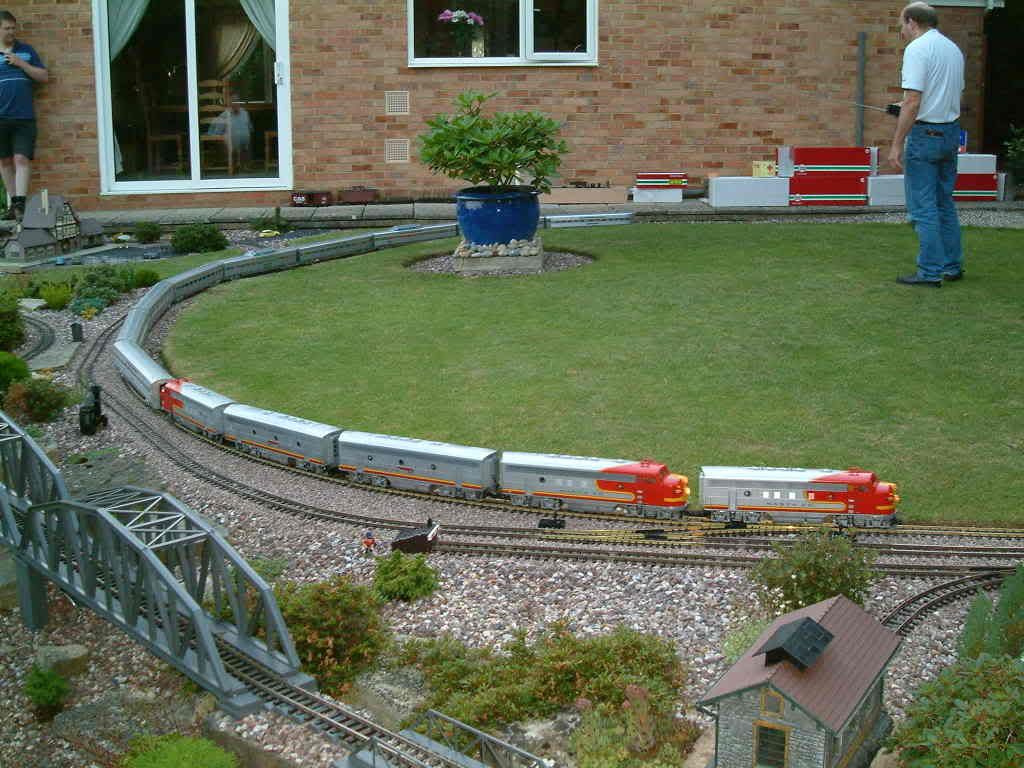
Nice layout, Devils. I have to say i’m a bit envious of that “golf course” lawn. My hardpan, rocky, red clay soil and mid summer droughts will never allow me to have a lawn like that.
the below is a true copy/paste from this thred so it must be your system or broser . I use a Dell e510 with windows XP all from 2005. YOU COULD OF HAD A MAC ATTACK