Hello. Where can I find the information for including a picture along with a post?
Use the upload button in the middle of the tool bar above the text - it looks like an arrow pointing straight up. It will give you a box to select a picture from your computer. Highlight the picture file you want to post and click “Open” in the lower right corner of the box. Picture will post wherever your cursor is in your post:
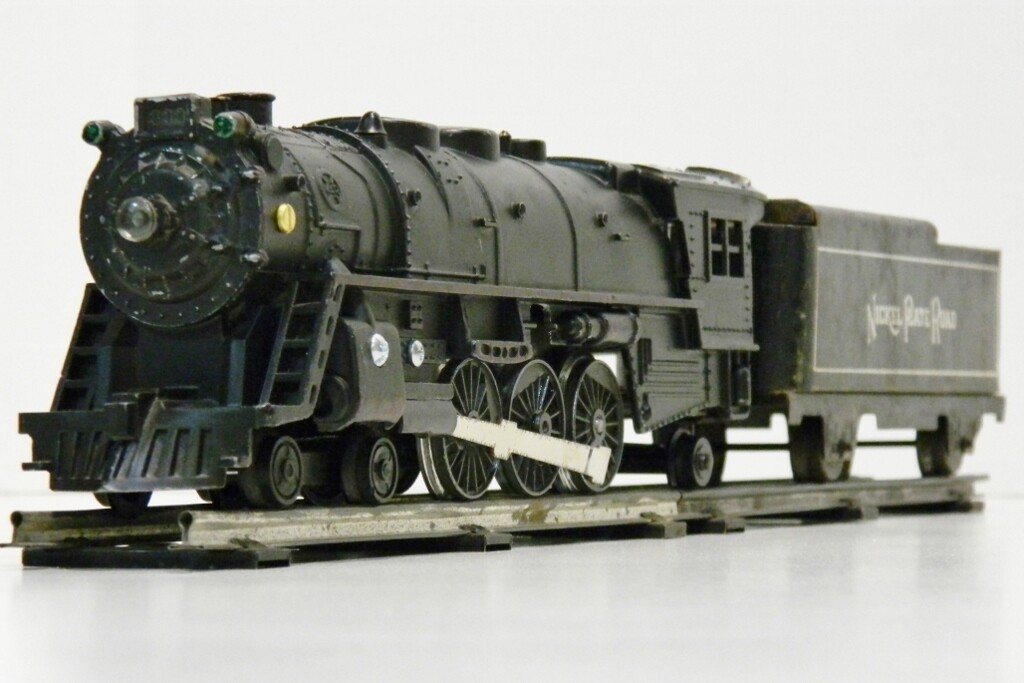
Even easier is just to copy the picture and paste it here.

Yippee! And thanks.
Sure beats the old system of having to use a third party image host! You still need one for video though.
I am glad to see it’s as easy as it is.