I have had some great difficulty posting some of my pictures of my layout here. I could really need some help here.[#wstupid]
Go to photobucket.com. they will let you post any pics
I cant get it to work from photobucket[:(]
you have to download the pics to photobucket . Then you have to copy and past the very botom line under the photo to your post. You want to copy and past from the box that has img in front of it.
Each picture posted on the web has an “address” associated with it. The way to find this address is to put your mouse over the picture and right mouse click (for PC users). Click on properties; the properties box will appear with the pictures address. The address for the picture of the baby (up top) is:
http://i5.photobucket.com/albums/y193/sledgehammer33/0603090001.jpg
Copy and paste the address from the properties box and then paste inbetween the “Insert Image” tags.
Hope this helps.
Good luck. . .
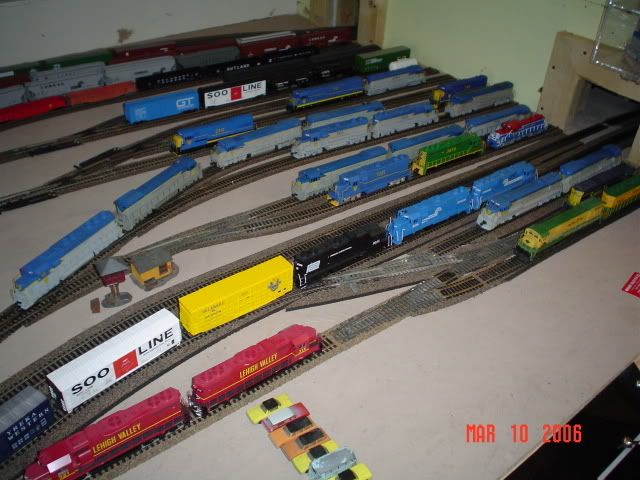
there you go jeffrey
Whoo, lots of D&H, good choice!
Any help will do Photobucket didn’t work for my
Any help will do Photobucket didn’t work for my
So what did you do?
Did you get a Photobucket account?
Did you upload a photo from your computer to Photobucket?
Did you copy the supplied link below the photo that starts with [ IMG ] ?
Did you then copy/paste this link into a message?
Did you select “Preview” to see if your photo was visible in your message?
If you failed to do any one of the above, then using Photobucket or any other offline photo hosting service will not work.
Try again.
Bob Boudreau
Is there any other place to post pictures