Railroad design software

I am looking for a Railroad design software that will allow me to design buildings and track plans. The Package should also have an existing library of drawings that can be used as a starting point for modifications.

Anyone have any suggestions?

Dave

Atlas used to have free software that would do much of what you are looking for. Probably limited in use, though. Perhaps others may have experience with it?

Look at XtfkCad. It’s free an d very good. There are som buildings in the librarys that is packaged with the software. You can also make a library of your own buildings. Look at the XtrkCad wiki.

I use Empire Express track plan drawing program. Easy to use and doesn’t cost much. And they keep adding to it. They have building sizes that can be added to the layout’s track plan.
As for designing buildings for the layout, I use graph paper.

I also use XtrkCad 4.01, it’s the best you can get for free in my opinion. You can create your own structures and designs. You will have a bit of a learning curve at first, but once you get the hang of it, you’ll like it.

However, if you plan to only use sectionnal Atlas track, I would go with their free sotware product.

Stephan

I forgot, there is also a Yahoo! group for XtrKCAD

http://groups.yahoo.com/group/XTrkCad/

Stephane

A bit of a learning curve ?

I would say a learning curve like an entire 13 course meal, not just a bite.

[soapbox] One thing I am realy having a hard time with, XTrkCad, or many free track programs, is the fact that none that I have found, uses any fuzzy logic.[soapbox]

If a piece of track is .03 of an inch to short, or a curve ( with easement ) has a radius of 17.996 inches ( when you have specified 18 inch minimum ), XTrkCad will not let you place it, and it’s darn near impossable to set a custom minimum radius ( say 17.75 inches - to alow a little flexability ). [banghead] [banghead] [banghead]

Come on, a model train, even something in Z scale, isn’t going to care about .004 of an inch in a curve, unles you are already trying to make curves with the absolute smallest possable curve - but when you are makeing conventional or broad curves?[V] With any curve above absolute minimium, even .25 of an inch shouldn’t be an issue, let alone .004 of an inch radius or .03 of an inch for a piece of strait track. [V]

…darn near impossible…? If you choose Options → Preferences you can set your own values for several options, including minimum radius. I can’t see what’s so impossible with that…?

Have fun [:)]

Svein

Besides having to guess what value to use, close out, then reopen to find out if you guessed correctly, then starting over if you guessed wrong - rinse & repeat untill you have it exactly the way you need that paticular curve? And that still doesn’t get around the program saying that the first ( or second ) track is .03 of an inch to short for the curve you want to make ( most people can’t even perceve .03 of an inch ) so why should the program be so exacting.

Shouldn’t have to spent several minuts trying to adjust things for just one curve - you should just be able to enter the minimun radius in inches and be done with it - or if not, alow a modeler to go ahead and use a curve that is with in a tollerance range when using any curves larger than the absolute minimum ( 9.5" for N scale ), and alow the used to set the tollerance range ( say +/- .125 for N scale ).

Perfection of a radius to within .1 of an inch is unnessasary most people will not stay within .1 of an inch when laying track anyway - perfection to .004 of an inch is totaly ridiculous yet that is what XTracCad demands. Why should the program demand way more perfection than modelers will ever use, let alone make use of?

It’s like trying to model each individual blade of grass. .004 of an inch on an N scale is just .64 of an inch prototypicaly, do you realy think that prototypical RR’s worry about 3/4’s of an inch when laying out a curve? So why should we be forced to?

Greg, your problem is with how you are trying to use the program, not with the program itself. It will connect points tracks with other tracks, you don’t need to figure out what the radius is. But it won’t connect if the radius is less than you specified the minimum radius to be.

I could not have done this:

if it as hard as you are making it for yourself. I understand that you don’t like it, and that it doesn’t work the way you think it should. But I stil think the problem is with your perception of what you are trying to do.

Well Greg, I guess you can’t have your cake and eat it too, at least not with free software…

Anyway, I’m not interested in starting yet another discussion around XtrkCad, I agree it can be a bit tricky at first, but I’ve grown to like it. The OP was asking for software that allowed him to design buildings and draw track plans, and comes complete with example plans, and XtrkCad does all that. The one thing I miss about XtrkCad is that there is no 3D, so you can only draw footprints of your buildings.

I used WinTrack earlier ([link]http://www.wintrack.de/[/link] or [link]http://www.rv2000.com/gb/track/wintrackgb.htm[/link]), which has a nice 3D feature, but it’s not freeware…

Jeff: Excellent said, and a great looking plan!

Have fun [:)]

Svein

Thanks!

Now if I could just get it built! I’ve got benchwork, but beteween the mess in the garage, and the heat, it has been tough making progress lately. But I hope to get out there a bit in the next few weeks and get some track down.

I am putting down straight pieces of track, and then connecting them, and it’s at that point that I’m being told that this piece ot that piece is too short by .12, or that my curve radius at 17.996 inches is less than 18 inches - shoot at one point, the program would let me make a curve that had a radius 17.999 inches, because it was smaller than 18 inch minimum.

Here is what I have done so far, and it’s taken days to get here.

I’m a bit limmited in space to 4x8, so I can’t just plan the track then make the table to fit the track like I hear that others do.

And where are the pre-existing drawings that Dave wanted? [%-)]

My copy of XTrakCad, never came with pre-existing track plans that could be modified, and as such would not qualify for what Dave wanted.

It looks like they didn’t carry them over with the new software version, but you can downlod some examples from the original site, http://sillub.com/ under example alyouts at the bottom of the page.

I’m trying to figure out why it is giving you the problems it is, and I have a couple of ideas. The first is that curves of a certain radius take a little bit more space with easements, so if you place your straight track based on the minimum radius the eased curve won’t fit. Another thing I’ve found isthat if you are joining a couple of pieces of straight track (not sectional), if you select the first piece not at the end it adjusts where the curve starts to make things fit. It is hard to really describe, but you might have a look. When working with sectional track (which I didn’t do, other than turnouts), you can only select at the end, since the track is of fixed length. I’m going to try to make a little timelater to mess around using you drawing as a basis, to see how I’d draw it. Bt the way, I started with a bechwork outline, and then drew the track to fit, that isn’t the trick.

If you have old copies of MR, you can see what I’m trying to do on the April 93 issue, pg 115.

Once I have it on the hard drive, I’m then going to modify it.

Actually XtrkCad will allow you to connect track even if it is tighter than your minimum specified radius. It colors the curved section differently to alert you. You can then click on it to find the actual radius. If it’s within what you will tolerate, you can just leave it.

I use XtrkCad v4.0.1, and I got an “examples” folder in the program folder (usually “C:\Program Files\XtrkCad” or something similar) when I installed it. Maybe there is a newer version out now that doesn’t include this folder, I don’t know…

I know of a couple of scenarios that generate error messages like yours:

When connecting two straight track pieces, and one of them (or both) are to short for the easement curve (which doesn’t show on the screen while you drag to adjust the radius). To resolve this, you have to lenghten the straight tracks before you connect them. If the track is to short because of a turnout in the other end, there is simply not enough room, and you have to remove the turnout and draw the curve first, then replace the turnout at the end of the easement curve.

Regarding minimum radius, there is nothing wrong with entering a minimum radius that is slightly smaller than the one you are going to use.

If easements are enabled, the radius set in the easement dialog box overrides your other minimum radius setting, you may have to adjust the easement settings a bit so that the easement radius is about the same (or slightly smaller) than your general minimum radius.

You can also, instead of connecting straight track sections, start with one track section and use the “Modify track” and “Split track” functions, something like this:

Split the track where you want the curve to start.

Select “Modify”, then SHIFT+drag to make the curve. Use the status bar to control the radius as you drag, release the mouse button when the radius is correct. Ignore the angle at this point.

Edit: If you choose “Describe track” and click on the curve just after SHIFT+dragging, you can enter an exact radius for that curve before you continue.

Then drag the curve into the desired angle. If you at the same time drag away from the curve you make a new straight section, an
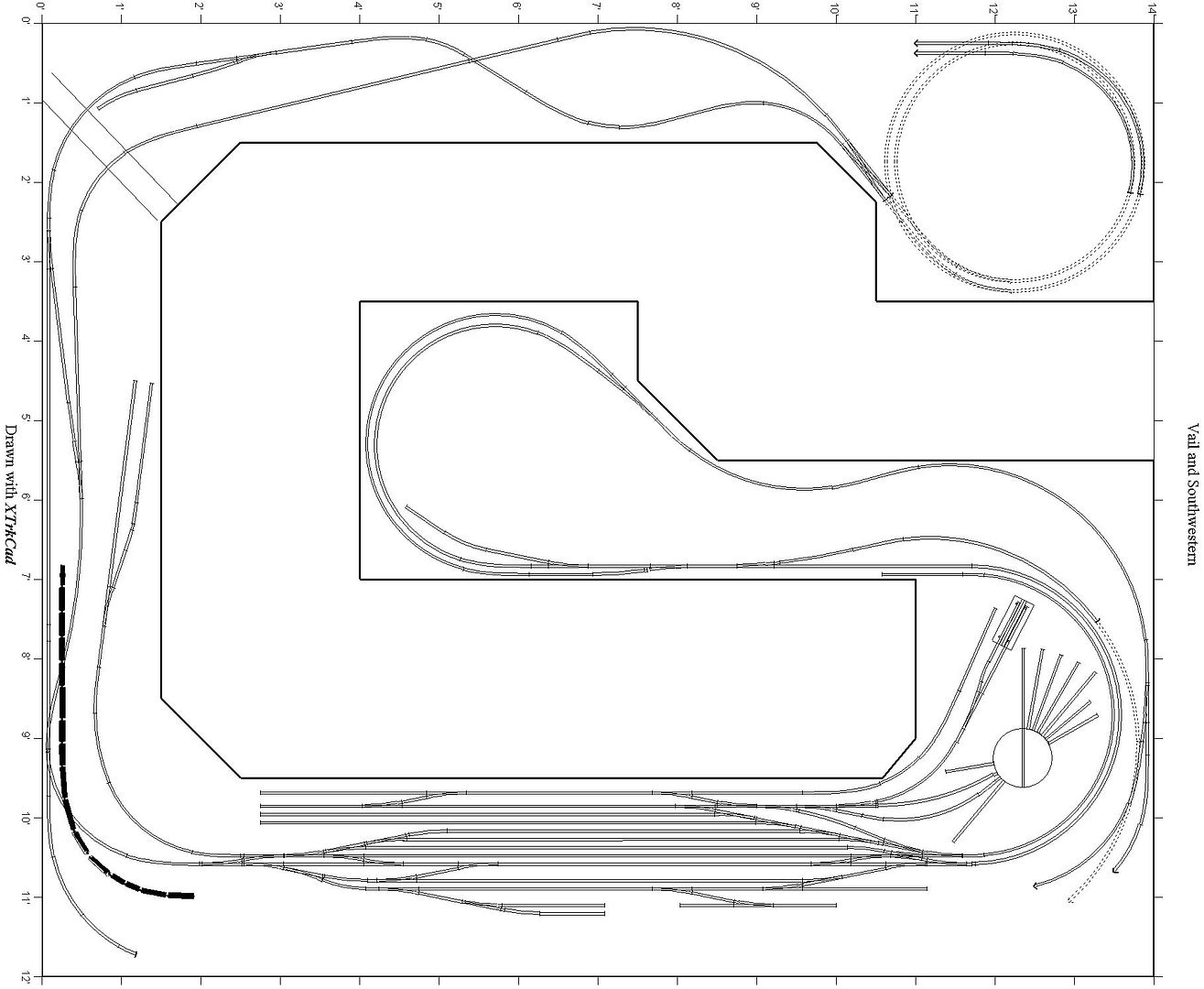
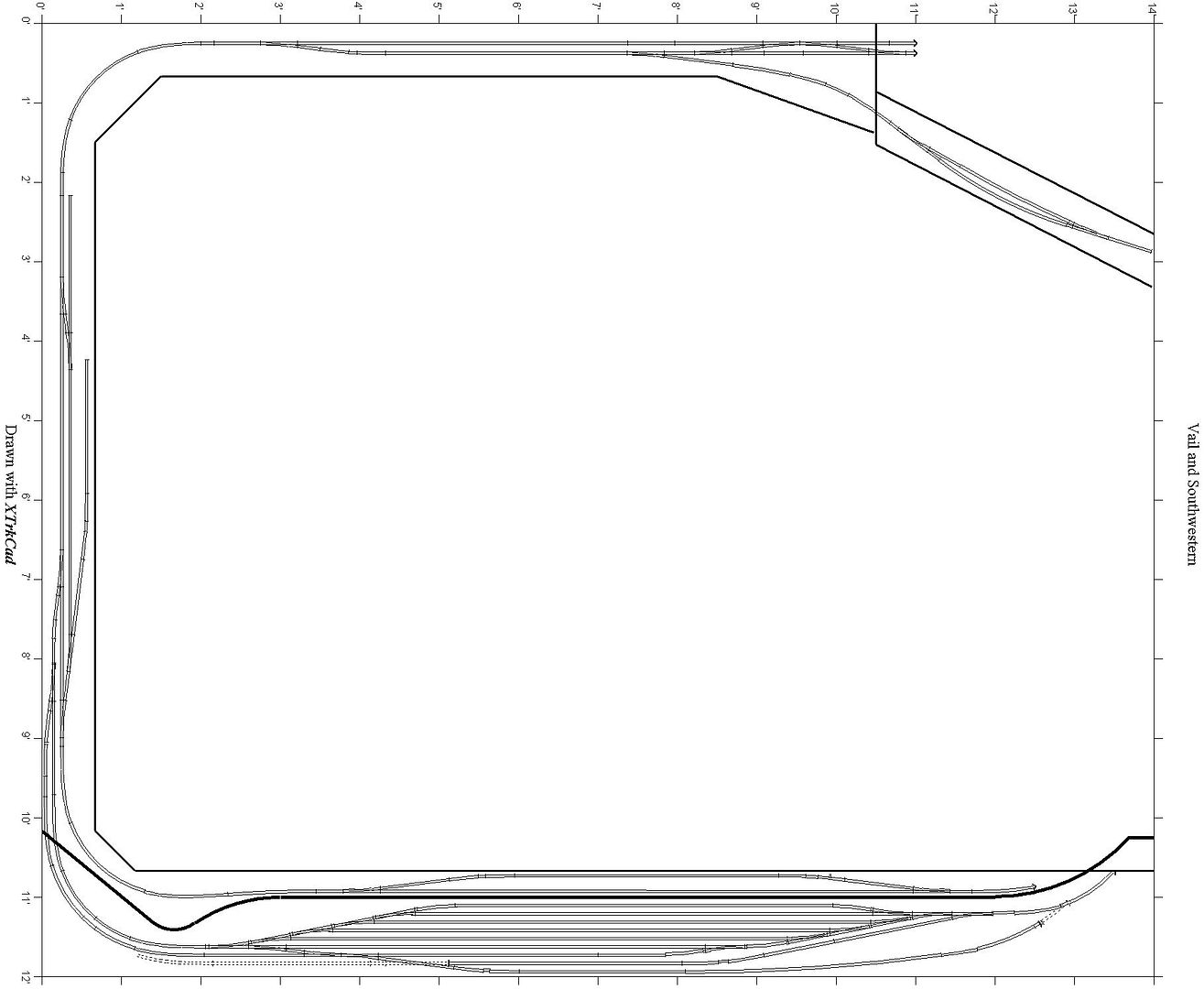
You are right, they are there. I just didn’t see them! I had never looked!

I use model railroad CAD quite a bit (3rdPlanIt, in my case), and I think that’s often a pretty difficult order in which to work. In my experience, when you are trying to duplicate something like this, it is much easier to draw and locate circles of track first for the curves. Then draw the connecting straight tracks (and easements, if desired).

In 3rdPlanIt, this makes use of the “Connect” tool. Not sure what it would be in XtrkCAD. One can set a minimum radius for these connections, but you must manually go back and check the resulting track lengths for s-curve connections to be sure there’s enough straight track between opposite curves. Once the curves are connected, I go back and drop in turnouts, etc. as desired.

3rdPlanIt offers a very useful tutorial for learning this process. If there is a similar tutorial for the product you are using, it would be worth working through it.

One other feature of 3rdPlanIt I use quite often is the ability to import a .jpg (such as a drawing, map, or aerial photo of a location) into a layer, size it, and then design (in another layer) over it as a guide.

So I’d suggest some time with the tutorial if there is one, then trying a different order in your rendering process.

There are occasional situations when the location of a straight section or turnout is critical and I must begin there, but most often I locate the curves first, then connect. That makes it easier to maintaint he minimum radius (which I’ve found is most critical) and the lengths and precise orientation of the straight tracks fall where they may.

Byron